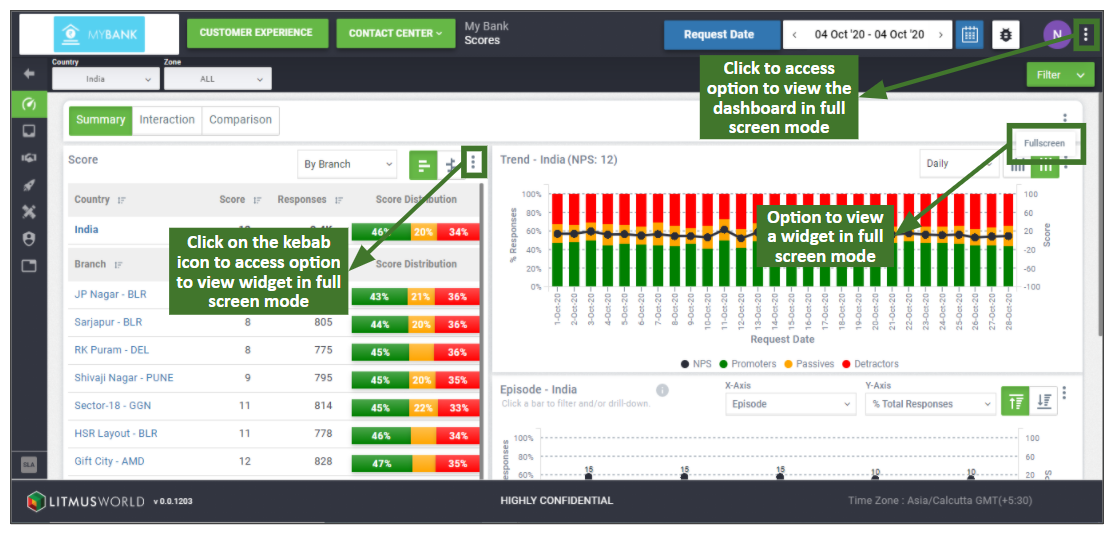
The full screen option is available on all widgets across the dashboard and allows one to take a more detailed look at a chart/data available on each widget by expanding its size to cover the entire screen. The option to view data in full screen mode can be accessed using the kebab icon (three dots) available on the top right corner of each widget and is available at individual widget level and for the entire dashboard as a whole too.
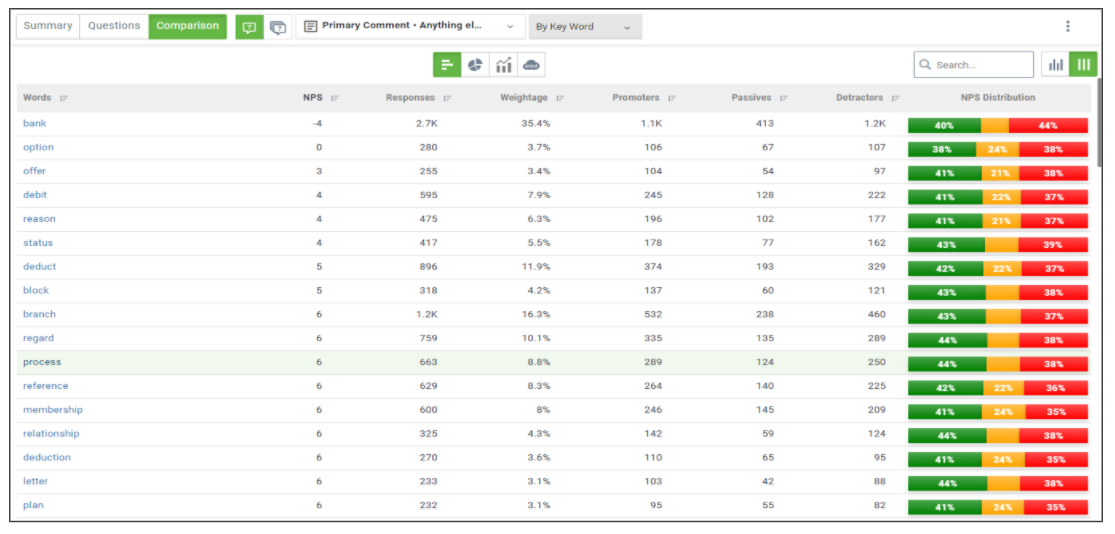
For list view which includes more than 1 page, the full screen view shows data across pages which can be looked at using the scroll option available on the right. Mentioned below is a sample of how the full screen view would look like: